

Hive HomeKit support via Siri shortcuts
Hive Home has now been around for a few years starting with its Hive heating product and now expanded to lights, switches and smart cameras. But the most requested feature is Hive HomeKit support with its users, but Hive has remained silent on integration since 2016.
Whilst I have been a happy user of Hive heating and water smart controls, the lack of HomeKit support for Hive has been one of the biggest reasons I have not invested further into the Hive smart home products as my smart home is powered by HomeKit, but recently I have discovered Siri Shortcuts that feature in iOS12 and bring near HomeKit support for Hive Home products.
When will Hive support HomeKit?

Before we get into the Siri shortcuts for Hive, let me give my view on Hive Home support. Personally, I don’t think we will see HomeKit support for Hive soon and this is because of the link with Alexa and the fact that Hive seems to create its smart home ecosystem via the Hive Hub 360.

So because of the above reasons, it would seem that Hive has a roadmap that takes them down a path which could conflict with bringing HomeKit to the Hive products.
If you prefer to watch a video tutorial, you can watch the one below
Hive Siri shortcuts
So whilst we wait for HomeKit support on Hive, here is 4 Siri shortcuts that bring near HomeKit support.
I would like to give credit to the creator Matthew Johns, he’s a legend for creating these Hive Siri shortcuts and if I ever meet him, I will buy him a pint.
Before we begin, you need the following
- Hive Home product connected to a Hub – Light or heating product.
- Network and internet connection
- iOS device running iOS 12 or above
- Siri shortcuts app installed
- Your username and password for Hive.
To set up the Siri shortcuts, all you need to do is;
- Install Siri shortcuts from the App Store – Download
- Download the Siri shortcut for each Hive automation (Link below each description)
- input your Hive username
- Input your Hive password
Hive Home Siri shortcut for boosting heating


This Siri shortcut will allow you to boost your heating for one hour via your iOS device either with a quick tap of a button or via Siri using your voice. This is useful if you want to give your home a quick heating boost.
Hive Home Siri shortcut for boosting water

Have you ever come home and discovered that all your hot water has gone? Well using this Siri shortcut you can boost your Hot water either with your voice via Siri or a tap of a button.
Hive Home Siri shortcut for triggering lights
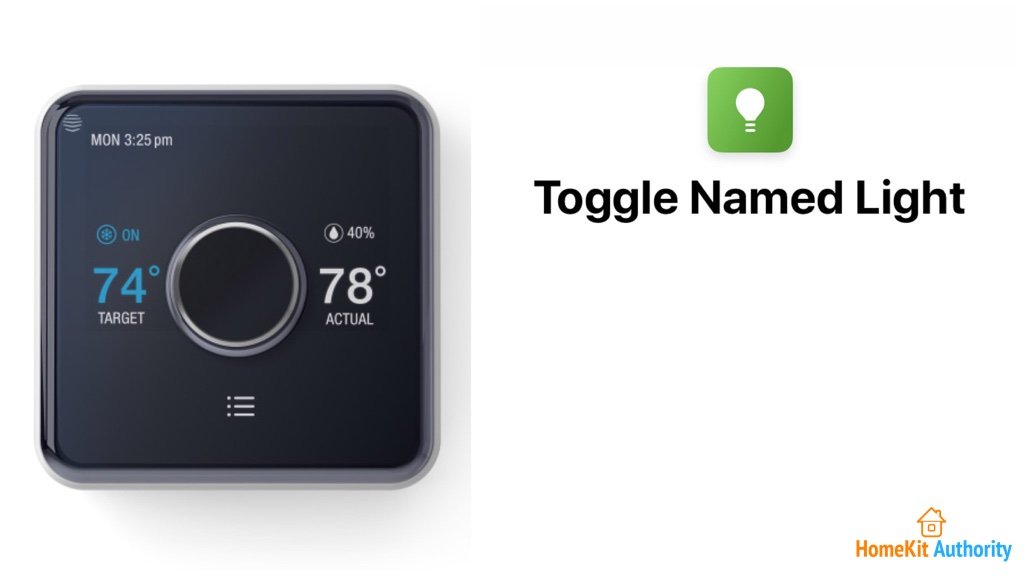
If you are a user of Philips Hue lights then you will know how easy it is to use your voice to turn on lights in your Home. With this Siri shortcut you can get Hive in on the action whilst we wait for HomeKit.
Hive Home Siri shortcut for temperature level

If you use a HomeKit supported smart heating product, then you will be familiar will using Siri to find out what the temperature of your home is. With this Siri shortcut, you can ask Siri the temperature in your Hive Home.

Adding a Siri Voice Command to a Shortcut
The tutorial would not be complete without showing you how to add a Siri voice command to each of these Siri shortcuts for Hive Home.
- In your shortcuts library, tap on the 3 little circles at the top right of the shortcut you want to edit.
- When in the edit screen, tap on the small ‘sliders’ icon at the top right of the screen (next to the share icon).
- A settings window should appear, tap on ‘Add to Siri’.
- Press on the red record button then dictate your command. Siri will offer a suggestion but you’re free to say whatever you like.
- Tap ‘Done’ when you’re happy, and your command is saved.
So whilst we wait for HomeKit support on Hive, I hope these Siri shortcuts fill the gap and if you have any more that you use, then leave them in the comments section below. Don’t forget to subscribe to be first to find out when more information emerges. If you have a question or a comment, then leave it below. You can also follow us on Twitter, Facebook, YouTube and Instagram.
Originally posted on activejr.com